Skip to content
MyXrayDose

Resources

Practical resources for radiology professionals

Radiation safety infographics, reading-room wallpapers, our white paper and articles, free to download.

Radiation safety infographics

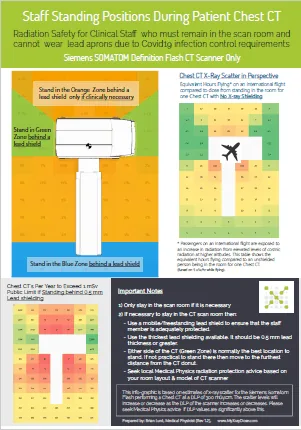
Thumbnail of the infographic showing safe standing positions in a CT room

Staff in CT without a lead apron during a COVID-19 patient chest study

Because of workloads and infection control requirements, some institutions want staff in PPE to remain in the scan room during the patient’s CT. This infographic gives guidelines on how this may be done safely.

Download (PDF, 227 KB)
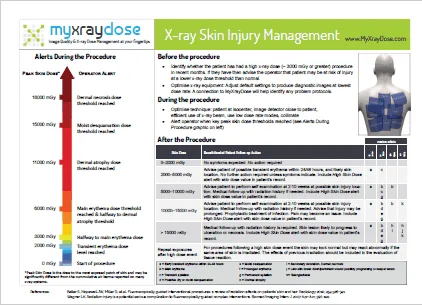

Thumbnail of the infographic on skin dose alert levels in interventional radiology

X-ray skin burn management in interventional radiology

Long interventional radiology procedures carry a risk of x-ray induced skin injury. This infographic outlines the risk, alert levels and recommended management in the IR room.

Download (PDF, 257 KB)

Radiology workstation wallpapers

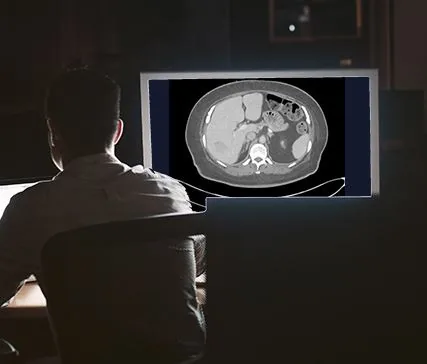
Radiology reporting rooms should have low ambient light and minimal sources of peripheral glare to improve contrast perception on a diagnostic image. A simple way to improve viewing conditions, and add some natural green scenery, is to set one of these images as your Windows desktop wallpaper. They may look dark, but they are comfortably visible and help reduce glare from displays in a reporting area.

To install on Windows

  1. Download an image below.
  2. Right-click the desktop background and choose Personalise.
  3. Click Browse and find the image you downloaded (usually in your Downloads folder).
  4. Click the image, then click Choose picture.
Cover of the Imaging Correctly white paper

White paper: Imaging Correctly

Using quantitative tools to manage diagnostic performance.

Download (PDF, 4.7 MB)

Articles